Best Data Recovery Software for Corrupted Memory Card in 2026
Disk Drill leads this shortlist for its preview-first approach. The better question, though, is whether your card is readable enough for software recovery.
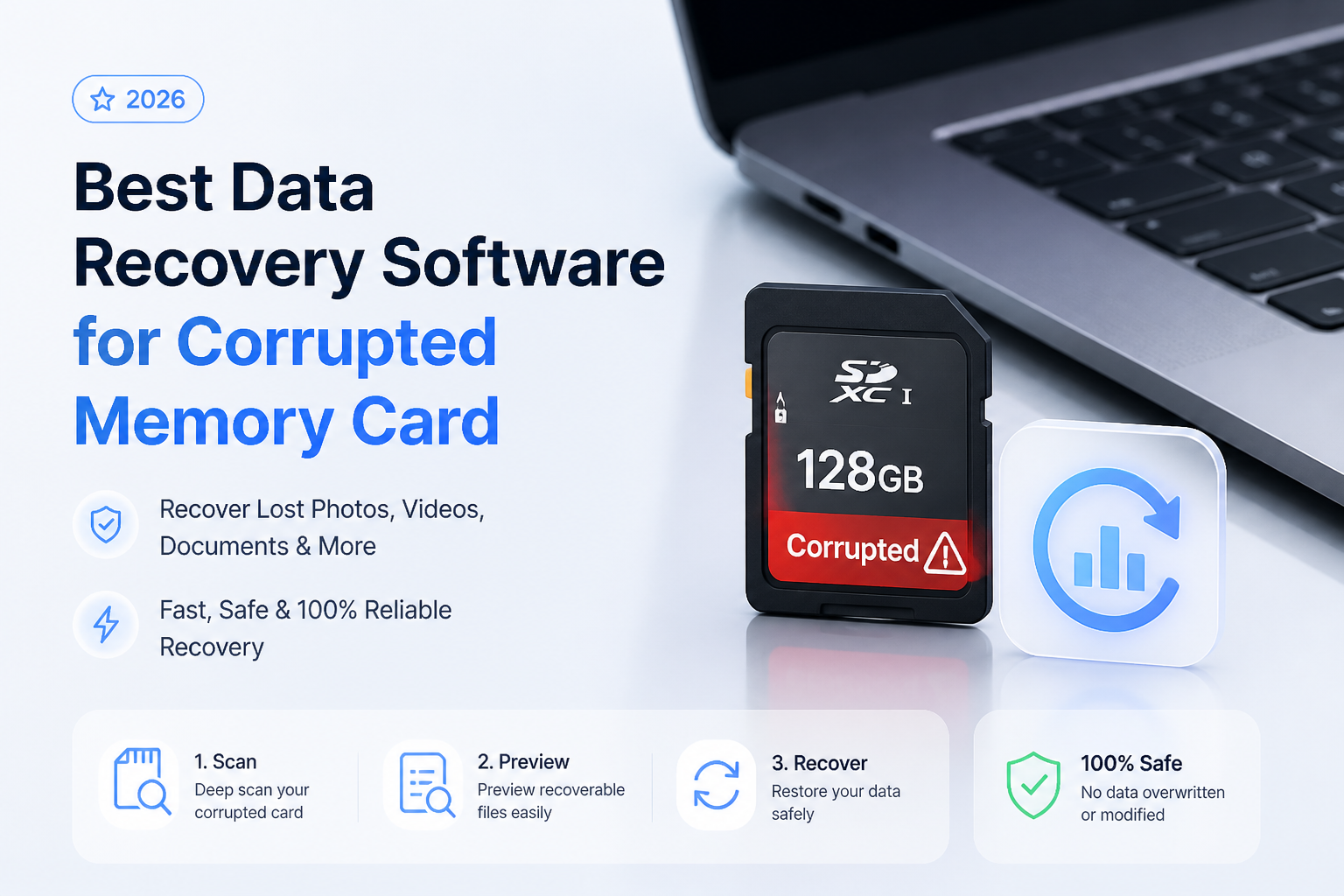
Disk Drill is our overall pick for a readable but corrupted memory card, largely because its previews help you evaluate the scan before buying. DMDE deserves a look if limited free export is enough, while PhotoRec is the fully free alternative. These are editorial recommendations, not recovery-rate rankings. (disk-drill.com)
Disk Drill
9.0/10Best for: Camera owners who want to inspect recoverable files before choosing a paid license.
- File previews before purchase. (disk-drill.com)
- Filters for narrowing large results lists. (disk-drill.com)
- Versions for Windows or macOS. (disk-drill.com)
- One PRO license covers both platforms. (cleverfiles.com)
R-Studio
8.7/10Best for: Experienced users who want control over scans of a corrupted card or its image.
- FAT32/exFAT file-system support. (r-studio.com)
- Creates images that can be scanned later. (r-studio.com)
- Supports custom file signatures. (r-studio.com)
- Offers file previews. (r-studio.com)
DMDE
8.3/10Best for: Patient users recovering a small group of files from a selected directory.
Corrupted Memory Card Recovery Tools Compared
This comparison focuses on recovery workflow, free-export restrictions, plus the listed entry option. Scores are editorial fit ratings out of 10, not measured recovery percentages. The reviews explain why each tool occupies its position.
| Tool | Recovery Approach | Price | Score |
|---|---|---|---|
| 1.Disk Drill PICK | Preview-first workflow | $89/yr | 9.0/10 |
| 2.R-Studio | Configurable scans | $79.99 one-time | 8.7/10 |
| 3.DMDE | Directory-level free export | Free | 8.3/10 |
| 4.PhotoRec | File-signature searches | Free | 8.0/10 |
4 Corrupted Memory Card Recovery Tools Reviewed
01 Disk Drill
Windows / macOS · CleverFiles
9.0/10
Disk Drill
Windows / macOS · CleverFiles
Disk Drill gets our editorial top spot because its preview-first workflow suits the actual decision facing most card owners: are the missing pictures worth paying to recover? Its results filters help narrow the search, while image previews give you something more useful than a reassuring filename. These are documented features, not results from a hands-on recovery test. (disk-drill.com)
It supports recovery from corrupted memory cards that remain readable as devices. That qualification matters more than the ranking. A card reporting the wrong capacity or suffering serious physical damage is not a normal software job. (cleverfiles.com)
The current PRO choices are $89 per year or $149 for a lifetime license. We would scan first, inspect representative files, then choose a license. The yearly option renews automatically, so don't mistake it for a one-time recovery fee. (cleverfiles.com)
Best forCamera owners who want to inspect recoverable files before choosing a paid license.
- File previews before purchase. (disk-drill.com)
- Filters for narrowing large results lists. (disk-drill.com)
- Versions for Windows or macOS. (disk-drill.com)
- One PRO license covers both platforms. (cleverfiles.com)
- The $89 option is a recurring subscription. (cleverfiles.com)
- Severely damaged cards require a different approach. (cleverfiles.com)

02 R-Studio
Windows / macOS / Linux · R-Tools Technology
8.7/10
R-Studio
Windows / macOS / Linux · R-Tools Technology
R-Studio is our choice when scan control matters more than a simple first screen. It supports FAT32/exFAT recovery, raw file searches, previews, plus disk imaging. That combination gives a technical user several routes through damaged file-system information. (r-studio.com)
The regular Windows license is listed at $79.99. Don't assume every feature shown on the site belongs to that edition. Advanced multi-pass imaging is associated with higher-tier editions. Our score reflects documented capabilities, not a measured advantage in recovered photos. (r-studio.com)
Best forExperienced users who want control over scans of a corrupted card or its image.
- FAT32/exFAT file-system support. (r-studio.com)
- Creates images that can be scanned later. (r-studio.com)
- Supports custom file signatures. (r-studio.com)
- Offers file previews. (r-studio.com)
- Our pick for experienced users, not a first-time recovery walkthrough.
- Advanced imaging features require careful edition selection. (r-studio.com)
03 DMDE
Windows / macOS / Linux / DOS · DMDE Software
8.3/10
DMDE
Windows / macOS / Linux / DOS · DMDE Software
DMDE's useful distinction is that its free edition actually exports files. You can recover up to 4,000 files from a selected directory per request, with unlimited requests. For a modest photo folder, that may be enough. A card containing many nested folders is less convenient because bulk folder recovery requires a paid edition. (dmde.com)
Beyond that limit, DMDE provides file-system reconstruction, signature searches, plus imaging tools. We would keep a first attempt confined to file recovery. Its editing features are not necessary just to copy pictures elsewhere. No card-level success rate was measured for this review. (dmde.com)
Best forPatient users recovering a small group of files from a selected directory.
- Free recovery does not include unrestricted bulk folder export. (dmde.com)
- We would not choose its disk-editing workflow for a nervous first-time user.
04 PhotoRec
Cross-platform · CGSecurity
8.0/10
PhotoRec
Cross-platform · CGSecurity
PhotoRec costs $0 with no paid recovery tier. It searches for recognizable file data instead of depending on intact directory information, making it worth considering when a card's file system is badly damaged. It also accepts raw disk images. (cgsecurity.org)
The tradeoff arrives after recovery. Original names or folder organization are not its strength, so budget time to inspect the output. Its manual also distinguishes whole-partition scanning for corrupted file systems from free-space scanning for ordinary deletion. That choice matters more than blindly accepting defaults. This is a documentation-based assessment, not a timed scan test. (cgsecurity.org)
Best forUsers who can accept extra sorting work to avoid a recovery license fee.
- Free, open-source recovery. (cgsecurity.org)
- Does not require a healthy file system. (cgsecurity.org)
- Supports memory cards or raw images. (cgsecurity.org)
- Can restrict recovery to selected file types. (cgsecurity.org)
- Expect extra work organizing recovered output. (cgsecurity.org)
- Fragmented files can be difficult to reconstruct. (cgsecurity.org)
How We Evaluated Memory Card Recovery Software
This is a research-based comparison. We reviewed official feature descriptions, recovery manuals, licensing pages, plus free-edition restrictions. We did not run corrupted cards through these tools, so there are no original scan timings, recovered-file counts, or success percentages to report.
Scores express our judgment about suitability for a typical readable, logically corrupted memory card. Preview workflow, recovery controls, price clarity, plus free-export limits shaped the order. Pricing in the table refers to the specific editions shown below, not every available license. (cleverfiles.com)
How to Choose Software for a Corrupted Memory Card
First separate a damaged file system from a device that cannot be read reliably. A card showing its correct capacity is a more plausible software-recovery candidate than one reporting an incorrect size. Serious physical damage calls for a recovery service rather than another paid application. (cleverfiles.com)
Then choose by the result you need. If folder structure matters, try a file-system-aware recovery route before relying only on signature searches. If the first reconstructed volume looks wrong, DMDE's manual describes trying other detected volume versions rather than assuming the first result is final. (dmde.com)
Memory Card Recovery Mistakes That Waste a Good Scan
Do not use the damaged card as the recovery destination. Also avoid treating a visible file listing as proof that every file is intact. DMDE explicitly recommends recovering sample files with its free version, then opening them before purchasing. Paying does not repair data that the scan recovered incorrectly. (dmde.com)
For your own check, open a few full-resolution photos. Play several recovered videos beyond their opening seconds. Include files from different folders rather than checking only one short clip.
Our Pick for Corrupted Memory Card Recovery
Disk Drill takes our top spot for the way it lets a nontechnical user evaluate results before buying. Choose R-Studio if you prefer detailed controls, DMDE if its restricted free export fits your job, or PhotoRec if avoiding a license fee matters most. None of these scores promises that your particular card will yield usable files.
Start by checking several important files, not just the first attractive thumbnail in the results.