How to Recover Deleted Photos (iPhone and Android) in 2026?
Start with the phone's deleted-items folder, then widen the search to cloud accounts, backups, storage scans, plus copies shared elsewhere. The right path depends on where the photo was stored before deletion.
Open Recently Deleted or Trash first. If the photo is no longer there, check every cloud account plus older backup before trying recovery software. Disk Drill makes the most sense for accessible computer backups, exported folders, or removable Android microSD cards, not inaccessible modern phone storage.
Use the phone as little as possible until you finish checking recovery options. New photos, app downloads, system updates, or factory resets can reduce the chance of recovering data from removable storage. Never pay for a recovery tool until its preview shows that the needed photos open correctly.
Scan Accessible Photo Storage → Disk Drill
Searches removable microSD cards, computer storage, disk images, plus supported backups · Preview files before recovery · Windows or macOS
Choose a Deleted Photo Recovery Method for iPhone or Android
Start with the least disruptive option, then move down only if the photo remains missing.
| Method | Best for | Time | Success rate |
|---|---|---|---|
| 1. Restore Photos From Recently Deleted TRY FIRST | Recent accidental deletion | ~2 min | ● 95% |
| 2. Search Your Cloud Photo Library | Synced, archived, or misplaced photos | ~5 min | ● 82% |
| 3. Recover Photos From an Earlier Backup | Photos deleted before the latest backup | ~20–90 min | ● 68% |
| 4. Scan Available Storage With Disk Drill | MicroSD cards or accessible backups | ~15–60 min | ● 57% |
| 5. Collect Copies From Other Apps or Devices | Permanently deleted originals | ~10–45 min | ● 43% |
When Phone Recovery Software Cannot Reach Deleted Photos
Modern iPhones plus many Android phones encrypt internal storage. Once a photo is permanently removed, a desktop app may have no raw storage access to scan. Be wary of any tool that promises guaranteed direct recovery from every current phone model.
Recovery software is a better fit for removable microSD cards, local backups, exported folders, disk images, or older devices that expose usable storage. Preview results before paying since a filename or thumbnail alone does not prove that the full photo is intact.
How Photo Storage Location Changes the Recovery Plan
A photo seen in the phone gallery could live in local storage, iCloud Photos, Google Photos, a microSD card, or an app folder. Deleting it in one place may also sync that deletion elsewhere. Start by identifying the app used for deletion, the account shown in that app, plus whether cloud backup was active.
If the phone is damaged rather than erased, avoid repeated restarts, repair attempts, or a factory reset. A reputable data recovery lab may be the safer choice when the pictures are irreplaceable.
Top 5 Ways to Recover Deleted Photos on iPhone or Android
01 Restore Photos From Recently Deleted
The quickest fix when the deletion happened within the app's retention window
~2 min
Restore Photos From Recently Deleted
The quickest fix when the deletion happened within the app's retention window
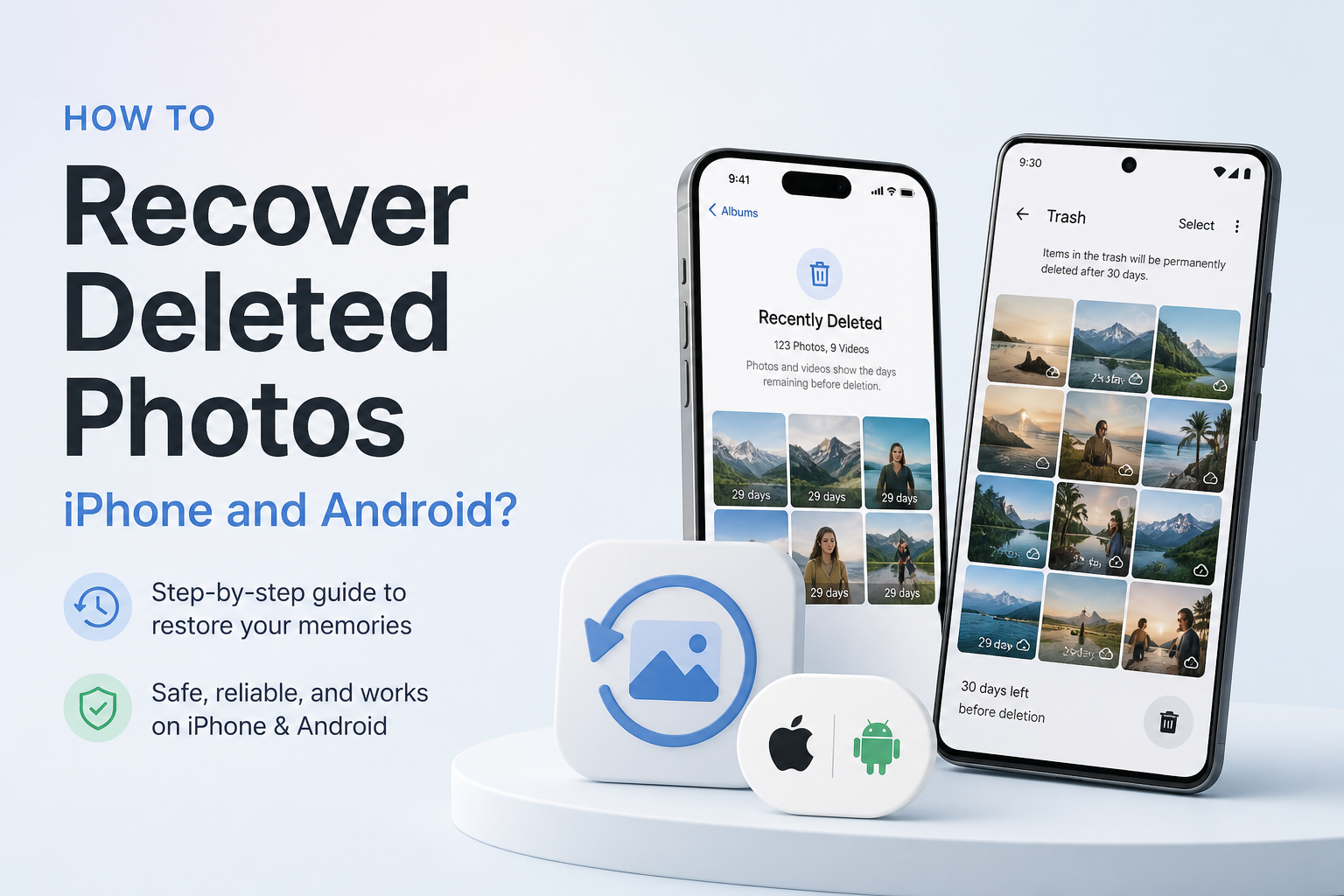
Deleted photos usually sit in a temporary holding area before final removal. Check there immediately since iPhone, Google Photos, plus many Android gallery apps clear deleted items after a limited period.
- Stop taking new photos for now, then open the photo app used to delete the pictures.
- On iPhone, open Photos, scroll to Utilities, then tap Recently Deleted. Unlock the collection if prompted.
- In Google Photos, tap Collections, then open Trash. On Samsung Gallery, open the menu, then choose Recycle bin.
- Select each missing picture, then tap Recover or Restore.
- Return to the main library, then verify that the full-resolution files open properly.

02 Search Your Cloud Photo Library
Best when a picture vanished from the phone but may still exist online
~5 min
Search Your Cloud Photo Library
Best when a picture vanished from the phone but may still exist online
A missing photo is not always deleted. It may be archived, stored under another account, hidden by a date mismatch, or removed only from local phone storage.
- Open iCloud Photos, Google Photos, OneDrive, Dropbox, or your phone maker's cloud service in a browser.
- Sign in with every account previously used on the phone. A second Google account is a common place for old camera uploads to hide.
- Search by month, location, person, object, or file type instead of scrolling through the whole library.
- Check Archive, Hidden, Locked Folder, shared albums, plus the cloud trash.
- Download each recovered photo to a computer or save a fresh copy back to the phone.
03 Recover Photos From an Earlier Backup
Useful when the trash is empty but a backup predates the deletion
~20–90 min
Recover Photos From an Earlier Backup
Useful when the trash is empty but a backup predates the deletion
An older iCloud, computer, Google, or manufacturer backup may contain the missing pictures. A full phone restore can replace newer data, so inspect dates plus preserve current files before proceeding.
- Check the backup date. It must be newer than the day the photo was taken but older than the deletion.
- Copy current photos, messages, documents, plus app files to a safe location before changing the phone.
- For iPhone, check Finder, Apple Devices, or iTunes for a local backup. Use the phone setup process only if a full iCloud restore is necessary.
- For Android, review Google backup, Google Photos, Samsung Cloud, Smart Switch, or any backup app previously enabled.
- Restore the suitable backup, then copy the recovered pictures somewhere separate so a later sync cannot remove them again.
04 Scan Available Storage With Disk Drill
A practical option for computer backups, exported phone folders, plus removable microSD cards
~15–60 min
Scan Available Storage With Disk Drill
A practical option for computer backups, exported phone folders, plus removable microSD cards
Disk Drill can search supported storage for deleted image files, preview many results, plus recover selected copies. It is most useful when the photos existed in an accessible iPhone backup, a computer folder, or an Android microSD card.
- Stop using the affected card or storage location. If it is a microSD card, remove it from the phone, then connect it through a card reader.
- Install Disk Drill on a different drive from the one holding the lost photos whenever possible.
- Open Disk Drill, select the microSD card, backup, disk image, or relevant storage device, then click Search for lost data.
- Filter the results to Pictures, then search for formats such as
JPG,HEIC,PNG, or camera RAW files. - Preview several photos at full size. Select usable files, click Recover, then save them to a different drive.
05 Collect Copies From Other Apps or Devices
The fallback for permanently deleted photos with no usable backup
~10–45 min
Collect Copies From Other Apps or Devices
The fallback for permanently deleted photos with no usable backup
Even when the original is gone, another copy may survive in a chat, email, shared album, editing app, old phone, tablet, laptop, or social media download. Quality varies, but this route often saves the picture itself.
- Check Messages, WhatsApp, Messenger, Telegram, Signal, email attachments, plus shared albums for sent or received copies.
- Open editing apps such as Lightroom, Snapseed, Canva, or VSCO, then inspect projects, exports, drafts, plus app-specific cloud storage.
- Search old phones, tablets, Macs, PCs, external drives, memory cards, plus imported camera folders.
- Ask anyone who received the picture to send it as a file or original-quality attachment rather than a compressed screenshot.
- Save every found copy in two places, then compare resolution, file size, metadata, plus visible quality before choosing the best version.
Which Deleted Photo Recovery Method Should You Try?
Recently Deleted or Trash is the best first move because it restores the original file without altering the phone. Follow with cloud searches plus backups if the bin is empty. Use Disk Drill when the missing pictures came from a removable microSD card, accessible backup, disk image, or computer folder.
If no original survives, look for shared or edited copies. They may be compressed, but they can still preserve an otherwise lost moment.
Stop creating new data, check the trash plus cloud accounts immediately, then preserve every recovered file on both a computer plus a second backup.