Disk Drill to Recover Photos from Digital Camera: Review 2026
Disk Drill is a strong first stop after deleted photos, an accidental camera format, or an unreadable memory card. Its previews make the paid decision less of a gamble.
Disk Drill is our top pick for most photographers facing a readable but damaged, deleted, or formatted camera card. It scans for JPEG plus major RAW formats, lets you inspect results before paying, plus offers byte-to-byte imaging for fragile media. Stop using the card before you begin.
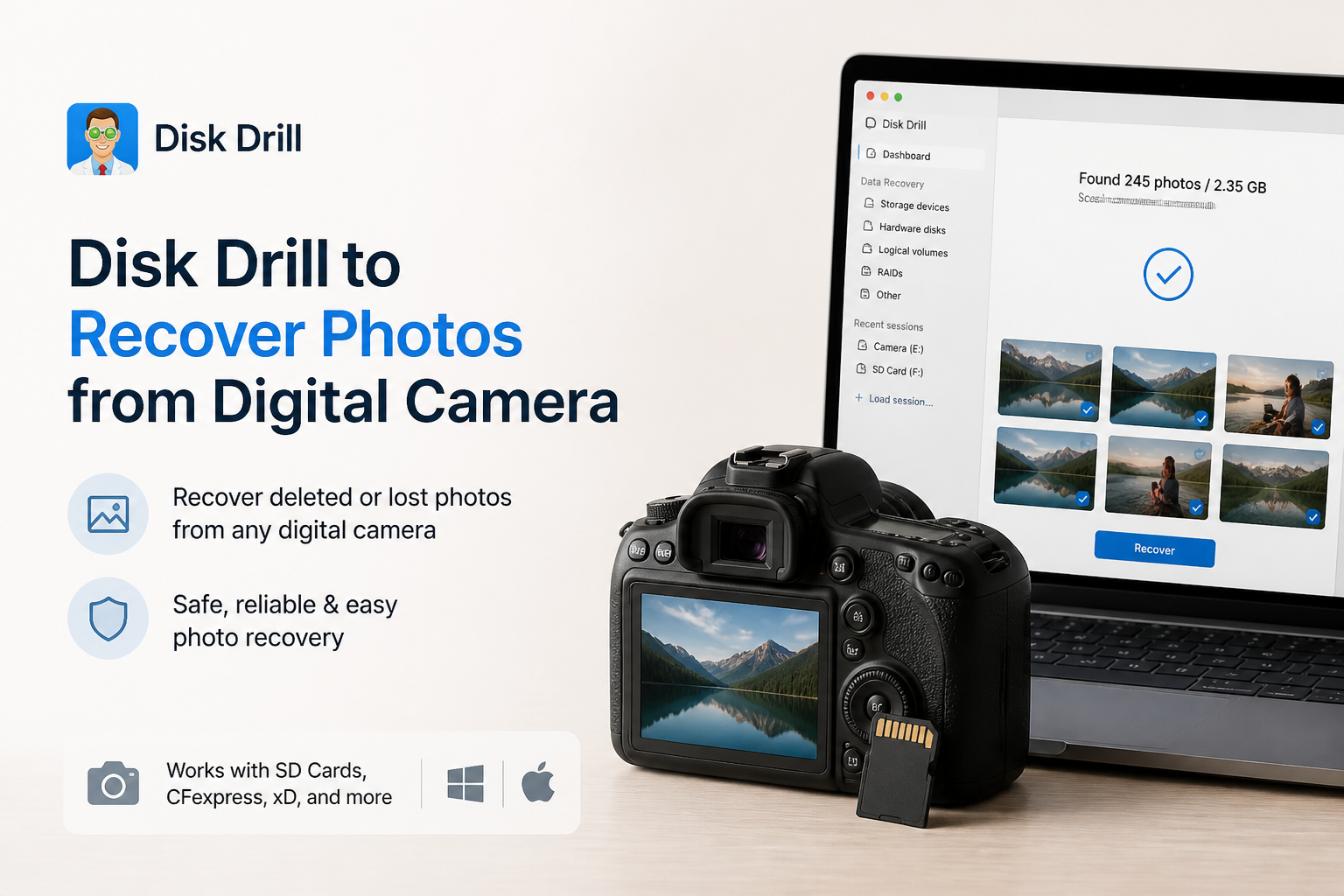
Disk Drill for Camera Photos at a Glance
9.1/10Disk Drill is a Windows plus macOS recovery app for lost files on memory cards, internal drives, external disks, plus disk images. Photographers can scan for deleted JPEG or RAW photos, inspect previews, then recover selected files elsewhere.
Best forPhotographers whose SD, CFexpress, XQD, or CompactFlash card still appears on the computer
- Deleted plus formatted card scanning
- JPEG plus camera RAW recovery
- Free previews before upgrading
- Byte-to-byte memory-card imaging
- Advanced fragmented video reconstruction
- Friendly photo-first result browser
- Wide RAW plus card support
- Useful safety tools included
- Large recoveries require payment
- Results depend on overwriting plus card condition
- A physically dead card needs a lab
How We Evaluated Disk Drill for Digital Camera Photo Recovery
We evaluated the current Disk Drill workflow around the problems photographers actually face: accidental deletion, quick formatting, a RAW card, lost partitions, plus mixed JPEG and camera RAW folders. The review checked free preview rights, card-imaging tools, supported photo signatures, recovery destinations, licensing details, plus documented limits.
Scores also account for recent camera-owner reports from Reddit plus Trustpilot. We gave more weight to comments that named the card condition, camera use, preview behavior, or recovered file quality. Marketing claims without a reproducible detail did not raise the score.
When Disk Drill Is the Wrong Choice for a Camera Card
Do not keep scanning a card that disconnects, overheats, appears with the wrong capacity, or produces repeated read errors. Make one image if the card stays stable enough. Otherwise, power it down plus contact a professional lab. Repeated reads can reduce the remaining window for recovery.
Disk Drill also cannot restore sectors overwritten by new photos. If you formatted the card, then shot another session, older images may be partly replaced. A preview with missing blocks, gray areas, or broken color usually points to incomplete source data rather than a problem the license can unlock.
Disk Drill for Digital Camera Photos: Scores by Category
| Category | Performance | Score |
|---|---|---|
| 01 Camera Photo Recovery | 9.5/10 | |
| 02 Preview Workflow | 9.3/10 | |
| 03 Memory Card Safety | 9.1/10 | |
| 04 Camera Format Support | 9.0/10 | |
| 05 Cost & Licensing | 8.4/10 |
Disk Drill Camera Photo Recovery Capabilities in Detail
01 Camera Photo Recovery
Built for deleted, formatted, or unreadable cards
9.5/10
Camera Photo Recovery
Built for deleted, formatted, or unreadable cards
Disk Drill handles the camera-card situations photographers commonly run into: deleted shoots, an accidental in-camera format, missing partitions, plus cards that appear as RAW in Windows. Its scan results separate pictures from unrelated card files, which saves time when hundreds of thumbnails appear.
The recovery engine covers familiar JPEG images plus camera RAW files such as CR2, CR3, NEF, ARW, RAF, ORF, RW2, DNG, plus GPR. Results still depend on whether new photos have overwritten the old data. No recovery program can undo overwritten sectors.
Advanced Camera Recovery is most notable for fragmented camera video, though it can also extract supported photos, audio, plus thumbnails during its staged scan. For still-photo jobs, we would run the universal scan too, since it may preserve more file-system details.
- Finds JPEG plus major camera RAW formats
- Works with deleted, formatted, corrupted, or RAW cards
- Picture filters reduce clutter in large scan results
- Universal plus camera-specific scan options
- Recovery chance indicators provide useful context
- Overwritten photos remain unrecoverable
- Some carved files may lose original names or folders

02 Preview Workflow
Check important shots before buying
9.3/10
Preview Workflow
Check important shots before buying
The free scan is Disk Drill's best buying safeguard. You can open supported photos, switch to thumbnail view, filter by file type, search names, then mark only the images worth restoring. A full-resolution preview is more meaningful than a filename or generic icon.
For a wedding, wildlife trip, or paid portrait session, inspect samples from different parts of the shoot. Check shadows, fine texture, color blocks, plus the final frames recorded before the card failed. A working preview is encouraging, though it is not a blanket guarantee for every selected file.
- Unlimited scanning plus previewing before purchase
- Thumbnail view suits large photo batches
- Filters make RAW files easier to isolate
- Individual files can be selected for recovery
- Not every proprietary format previews inside the app
- A listed file can still contain damaged data
03 Memory Card Safety
Image the card before a demanding scan
9.1/10
Memory Card Safety
Image the card before a demanding scan
Disk Drill includes byte-to-byte backup creation at no charge. This matters if a card disconnects, reports read errors, gets hot, or takes an unusually long time to mount. The image captures readable sectors so later scans can target the copy rather than repeatedly stressing the original media.
Never install Disk Drill onto the affected card, save an image there, or restore photos back to it. Use an internal drive or a separate external disk with enough free room. A 256 GB card may require roughly 256 GB for its full image, even when only part of the card held photos.
- Free byte-to-byte disk imaging
- Images can be rescanned without touching the card
- Read-focused recovery workflow
- Clear destination selection before restoration
- Full card images need substantial free disk space
- Software cannot help if the computer never detects the device
04 Camera Format Support
Useful coverage for modern photo gear
9.0/10
Camera Format Support
Useful coverage for modern photo gear
Disk Drill supports common camera media such as SD, SDHC, SDXC, microSD, CompactFlash, CFast, XQD, CFexpress, Memory Stick, P2, plus SxS. That makes it practical for a mixed kit containing an older DSLR, a mirrorless body, an action camera, plus a drone.
Official camera recovery support includes models from Canon, Nikon, Sony, Fujifilm, Panasonic, GoPro, DJI, Insta360, plus other makers. Photo signatures cover mainstream RAW formats, while its broader scan engine recognizes nearly 400 file signatures. Less common proprietary formats should always be checked through the free scan before purchase.
- Broad memory-card coverage
- Supports popular DSLR plus mirrorless RAW formats
- Recognizes cards with damaged or missing file systems
- Also covers camera video plus audio files
- Preview support varies by installed codecs or viewers
- Niche camera formats may need verification before payment
05 Cost & Licensing
Fair for an urgent shoot, less appealing for one photo
8.4/10
Cost & Licensing
Fair for an urgent shoot, less appealing for one photo
Disk Drill Basic costs $0. On Windows it can restore up to 100 MB, while both desktop versions let you scan plus preview recoverable files before upgrading. One modern RAW image may consume much of that Windows allowance, so treat Basic mainly as a diagnosis tool for camera jobs.
Disk Drill PRO costs $89 per year or $149 for a lifetime license. Both unlock unlimited recovery for one user with up to three simultaneous activations. The annual plan makes sense for a single urgent incident only if the previews show the missing shoot. Frequent photographers may prefer the lifetime option.
- Free scan plus preview lowers purchase risk
- Windows includes 100 MB of free recovery
- Lifetime license is available
- PRO permits up to three simultaneous activations
- A large photo session requires PRO
- The annual license feels steep for one small recovery job
- Mac Basic has narrower free recovery rights
What Camera Owners Say About Disk Drill
A Reddit poster said an inaccessible camera SD card showed as RAW, while Disk Drill recovered the family photos in roughly ten minutes. The same user liked the previews plus recovery-chance labels.
A wedding shooter reported recovering roughly 40 to 50 GB after formatting the wrong Canon card. A small playable test clip gave them enough confidence to buy the license before restoring the full event.
A photographer with an unreadable SD card said Disk Drill restored about 1,000 images in under an hour after the card maker's troubleshooting steps failed.
A critical Reddit commenter paid after a scan suggested files were recoverable, yet the restored client files did not work. Their support experience also left them unhappy.
Should Photographers Use Disk Drill?
Disk Drill is easy to recommend for digital camera photo recovery, especially when the card still appears in Windows Disk Management or macOS Disk Utility. Its free previews, RAW support, plus byte-to-byte imaging give photographers a careful route from panic to a recoverable file list.
Buy PRO only after opening several important previews. Skip do-it-yourself scanning if the card clicks through an adapter, repeatedly vanishes, gets unusually hot, or is not detected at all. Those symptoms call for a recovery lab.
Lock the SD card if it has a write-protect switch, create a byte-to-byte image, then recover every photo to a different drive.