Clever AI Detector Review: Pros and Cons
Clever AI Detector gives long documents a useful first-pass check without charging for the detailed report. Its probability-first approach is refreshingly cautious, though no detector score should be treated as proof.
Clever AI Detector is one of the more useful free checkers for long English drafts. It accepts 80 to 10,000 words, marks sentence-level signals, plus reports probability rather than pretending its result is certain. Use it to spot passages worth reviewing, not to accuse a writer or settle an academic dispute.
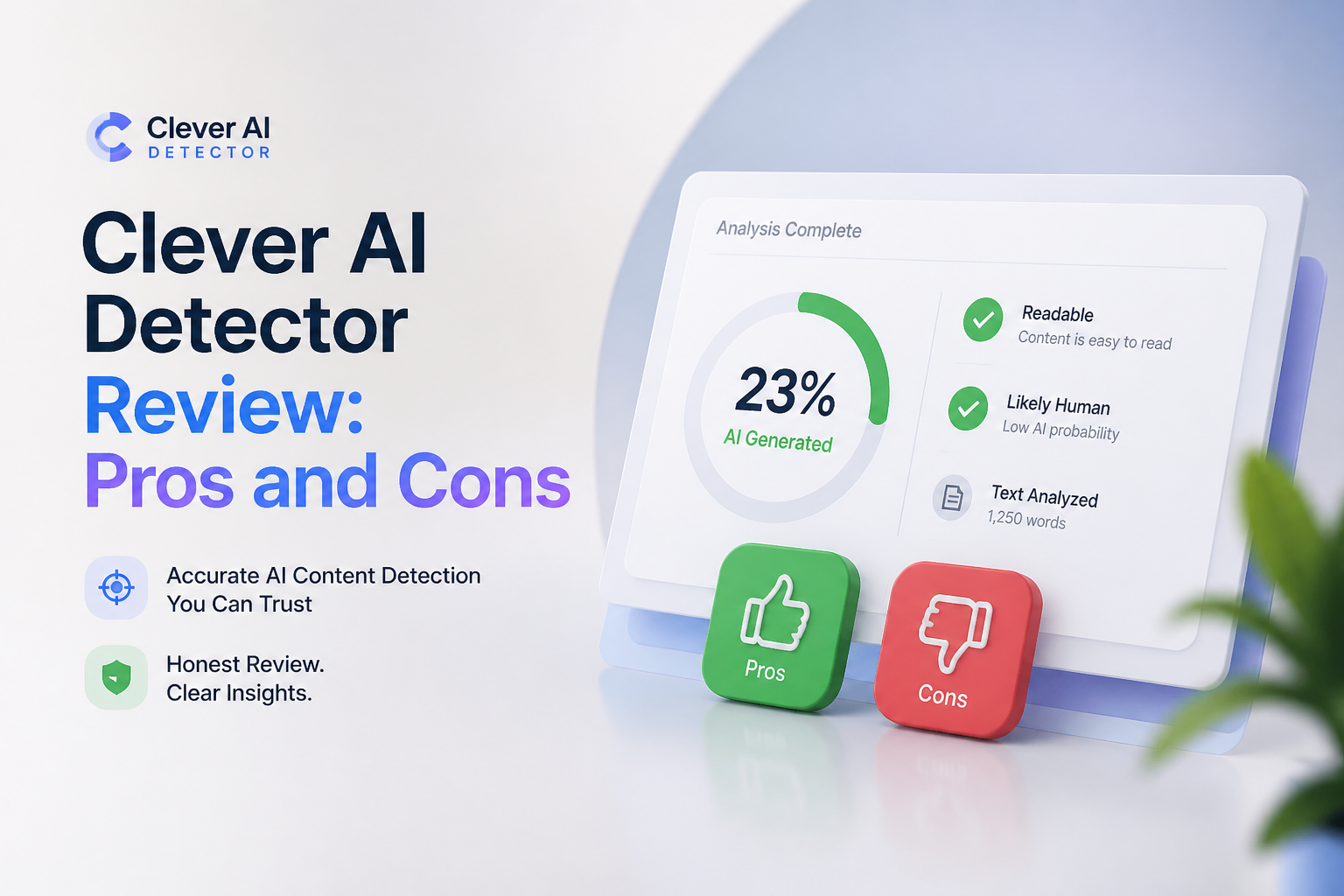
Clever AI Detector at a Glance
8.8/10Clever AI Detector is a browser-based checker that estimates whether English text resembles AI-generated writing. It supplies an overall probability, confidence context, plus signals for individual sentences.
Best forEditors, independent writers, teachers, or office teams seeking a free preliminary signal before manual review
- 0 to 100 AI probability score
- Sentence-level AI signals
- 80 to 10,000 words per check
- Optional check history
- Paste or file-upload input
- Generous free document limit
- Transparent probability framing
- No account required
- English support only
- Cannot establish authorship
- Few team or institutional features
How We Evaluated Clever AI Detector for This Review
We assessed Clever AI Detector around the tasks a normal writer or editor faces: submitting long text, understanding the overall score, locating flagged sentences, checking uncertainty language, reviewing access limits, plus tracing the result back to a responsible next step. Scores gave the most weight to useful feedback rather than bold accuracy claims.
We also checked the published limits, supported language, current price, account requirements, history feature, privacy wording, plus responsible-use guidance as they appeared on September 5, 2026. Detector output is inherently variable, so this review does not treat any single sample score as a universal accuracy rate.
When Clever AI Detector Should Not Decide the Outcome
Do not use this detector as sole evidence of cheating, misconduct, contract violations, or dishonest authorship. Formal human writing can look statistically uniform, while edited AI text may look less predictable. Both situations can produce a misleading result.
For a serious dispute, collect earlier drafts, document history, citations, notes, plus an explanation from the writer. Clever's sentence signals can guide the conversation. They cannot replace that evidence.
Clever AI Detector Scores Across Five Review Categories
| Category | Performance | Score |
|---|---|---|
| 01 Detection Feedback | 9.2/10 | |
| 02 Report Clarity | 9.0/10 | |
| 03 Document Capacity | 8.9/10 | |
| 04 Cost Plus Access | 9.4/10 | |
| 05 Workflow Coverage | 7.6/10 |
Clever AI Detector Features, Strengths, Plus Practical Limits
01 Detection Feedback
Useful clues without a fake promise of certainty
9.2/10
Detection Feedback
Useful clues without a fake promise of certainty
Clever AI Detector returns an overall 0 to 100 probability score, then points toward sentences carrying stronger AI signals. That second layer matters more than the headline number. It lets a writer inspect repetitive rhythm, predictable transitions, or passages that feel oddly uniform.
The tool also communicates uncertainty instead of presenting detection as forensic proof. A result near the middle is treated as inconclusive. That is the right instinct for software prone to false positives, particularly with formal prose, polished business writing, or work by non-native English writers.
- Overall probability is easy to understand
- Sentence-level signals help locate questionable passages
- Confidence language discourages overreaction
- The report acknowledges false positives
- A high score still cannot prove who wrote the text
- Heavily edited human prose may trigger signals
- Results can shift after small wording changes
02 Report Clarity
Enough detail for quick editorial review
9.0/10
Report Clarity
Enough detail for quick editorial review
The report keeps the main finding visible while breaking the document into sentence-level clues. You do not need to decode technical charts before finding the passages that deserve a second read. A Copy Report option also helps when an editor needs to discuss the result with a colleague.
Clever avoids a common design mistake here. It does not imply that an 80% score means 80% of the words came from a machine. The number describes how closely the statistical pattern resembles AI writing. That distinction should be more prominent across the detector category.
- Readable overall result
- Specific sentence highlights
- Confidence context appears with the score
- Report can be copied for review
- No downloadable PDF report is advertised
- Limited technical detail for researchers
03 Document Capacity
Large enough for reports or substantial articles
8.9/10
Document Capacity
Large enough for reports or substantial articles
Each check can contain up to 10,000 words, which is unusually roomy for a free browser tool. That covers most articles, reports, application materials, plus several essay chapters without forcing the user to split every few paragraphs.
There is an 80-word minimum. This is reasonable since tiny samples provide weak statistical evidence, though it rules out one-line emails, short captions, or isolated sentences. English is the clearly supported language, so multilingual teams will need another checker.
- 10,000 words fit in one check
- Unlimited runs are advertised
- Text can be pasted or uploaded
- Suitable for full-length drafts
- Samples under 80 words cannot be checked
- English-only support limits international use
04 Cost Plus Access
The complete detector currently costs nothing
9.4/10
Cost Plus Access
The complete detector currently costs nothing
The detector costs $0. No account is needed for a basic check, while the score, confidence information, plus sentence-level signals remain available without a subscription. There are no ads or paid report gates listed on the product page.
An optional account adds check history. The company notes that free products may gain paid features after their early years, so the current offer should not be mistaken for a permanent contractual promise. As of September 5, 2026, though, there is no paid detector tier to compare.
- Full detector access costs $0
- No sign-up required for ordinary checks
- No advertised daily run allowance
- Sentence analysis is not paywalled
- Optional accounts provide history
- The free model could change later
- Service availability may affect access
05 Workflow Coverage
Great for spot checks, thinner for institutional use
7.6/10
Workflow Coverage
Great for spot checks, thinner for institutional use
Clever AI Detector works well as a fast browser-based checkpoint. Writers can inspect a draft, revise stiff passages, then compare a later scan through saved history if they create an account. The same site also links to a humanizer, paraphraser, plus grammar checker.
It is less complete for schools, publishers, or compliance teams. The public product page does not advertise team dashboards, batch scanning, LMS integration, an API, plagiarism matching, or detailed authorship evidence. Those omissions keep it in the personal-use lane.
- No installation needed
- Optional check history supports comparisons
- Companion editing tools sit on the same site
- Simple enough for occasional users
- No advertised batch-processing workflow
- No public API or LMS integration listed
- Detection does not include plagiarism checking
What Users Say About Clever AI Detector
One Reddit user said Clever became their regular detector for checking assignment drafts. The free access was the main reason they kept using it.
Should You Use Clever AI Detector?
Clever AI Detector is easy to recommend as a free screening tool. The 10,000-word ceiling, sentence highlights, plus honest probability framing make it more practical than bare percentage checkers.
Writers or editors who want a quick second opinion should try it. Schools, employers, or anyone making decisions about another person should skip score-only judgments, preserve revision history, then conduct a human review before drawing conclusions.
Scan the complete draft rather than a short excerpt, then inspect highlighted sentences in context before changing anything.