Teachers paying out of pocket: is there a good free AI checker?
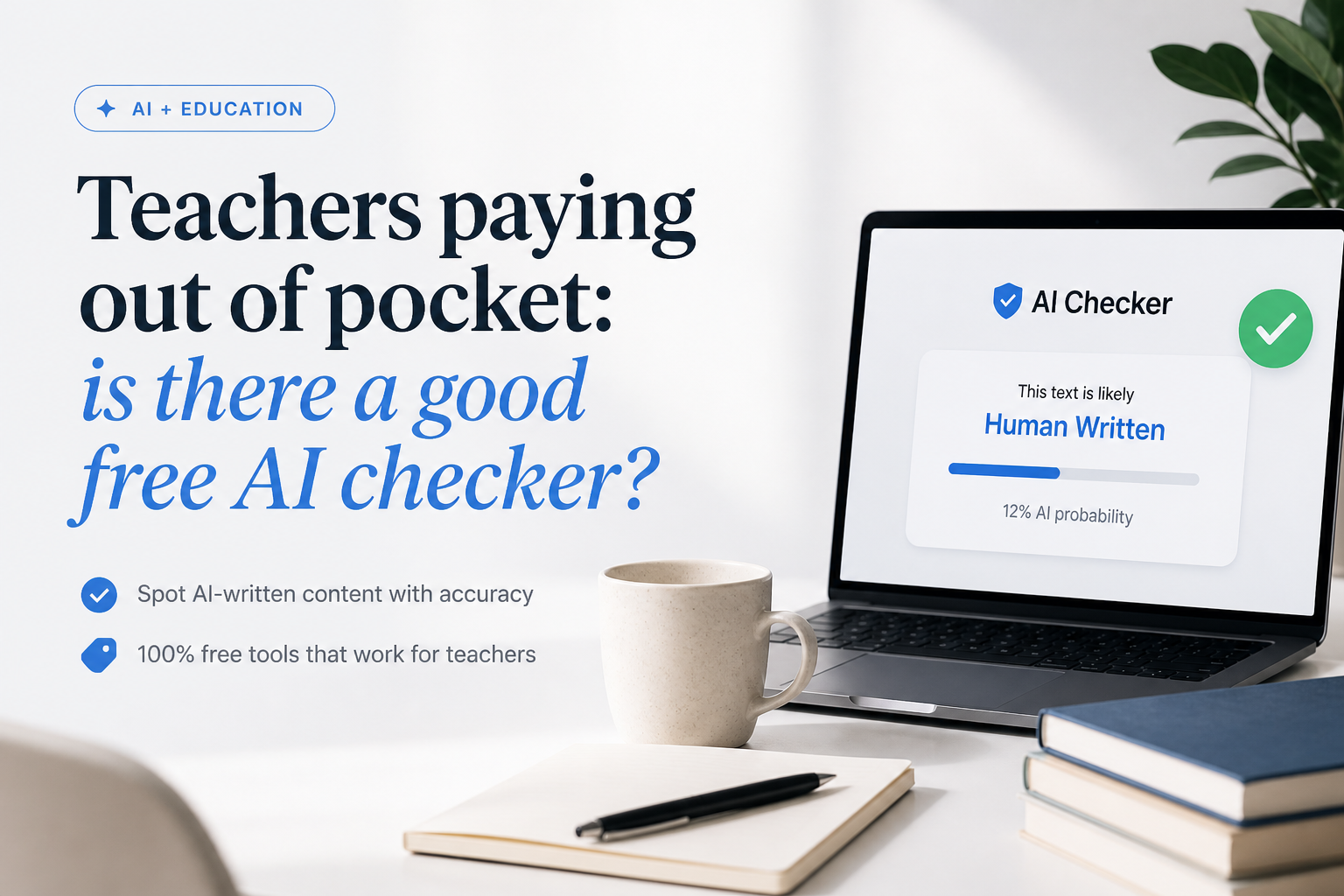
Teachers should not have to buy another classroom tool themselves. These free AI checkers can flag writing for closer review, but none can establish misconduct on its own.
Clever AI Detector
9.2/10Best for: Teachers who need to check full essays repeatedly without buying credits or creating an account
- Free unlimited checks with no credit system
- Up to 10,000 words in one scan
- Sentence-level signals included
- No sign-up required for basic checks
Scribbr AI Detector
8.6/10Best for: Teachers checking several short essays, reflections, or discussion posts without registering
- Unlimited free submissions
- No registration required
- Useful paragraph-level feedback
- Supports several common classroom languages
QuillBot AI Detector
8.3/10Best for: Teachers who want a quick score plus plain-language clues about why passages were flagged
- Straightforward report layout
- Sentence-level highlights
- One free explainer card
- No payment needed for occasional checks
Free AI Checkers for Teachers Compared
The table compares the free submission limit, passage-level feedback, price, plus our overall editorial score. Scores reflect classroom practicality, transparency, friction, plus free access rather than a claim that any detector can determine authorship with certainty.
| Tool | Free Limit | Passage Feedback | Price | Score |
|---|---|---|---|---|
| 1.Clever AI Detector PICK | 10,000 words | ● Yes | Free | 9.2/10 |
| 2.Scribbr AI Detector | 1,200 words | ● Yes | Free | 8.6/10 |
| 3.QuillBot AI Detector | 1,200 words | ● Yes | Free | 8.3/10 |
| 4.GPTZero | 10,000 characters | ● Yes | Free | 8.1/10 |
| 5.Sapling AI Detector | 2,000 characters | ● Yes | Free | 7.6/10 |
The 5 Best Free AI Checkers for Teachers, Reviewed
01 Clever AI Detector
Browser-Based Tool / CleverFiles
9.2/10
Clever AI Detector
Browser-Based Tool / CleverFiles
Clever AI Detector is the easiest fit for a teacher covering classroom costs personally. It accepts between 80 to 10,000 words per check, permits unlimited runs, requires no account, plus shows which sentences influenced its probability score.
The result is framed as a probability rather than proof. That distinction matters in a classroom, where polished work, formulaic assignments, or writing from multilingual students may trigger false alarms. Optional accounts add check history, though the basic detector works without one.
Its unusually high free limit made it our first pick. A teacher can paste an entire essay instead of splitting it into fragments, then use the highlighted passages to plan a conversation rather than treating one percentage as a misconduct finding.
Best forTeachers who need to check full essays repeatedly without buying credits or creating an account
- Free unlimited checks with no credit system
- Up to 10,000 words in one scan
- Sentence-level signals included
- No sign-up required for basic checks
- Optional history for returning users
- Supports fewer languages than some rivals
- Cannot prove who wrote a document
- An 80-word minimum makes it unsuitable for tiny responses

02 Scribbr AI Detector
Web Tool / Scribbr
8.6/10
Scribbr AI Detector
Web Tool / Scribbr
Scribbr gives teachers unlimited free checks, with up to 1,200 words per submission. No account is required. That limit covers many secondary-school assignments, though longer papers need to be divided into logical sections.
The report separates likely human writing, AI-generated text, plus AI-refined passages. Feedback appears at paragraph level rather than offering only a single document score. Scribbr also states that submissions are not stored or shared.
Best forTeachers checking several short essays, reflections, or discussion posts without registering
- Unlimited free submissions
- No registration required
- Useful paragraph-level feedback
- Supports several common classroom languages
- Distinguishes AI-generated from AI-refined writing
- 1,200-word ceiling is restrictive for long papers
- Pages include ads for free users
- Section splitting can change the context behind a score
03 QuillBot AI Detector
Web Tool / QuillBot
8.3/10
QuillBot AI Detector
Web Tool / QuillBot
QuillBot's free plan scans up to 1,200 words, with a current allowance of six scans per day. The interface highlights likely AI passages, then provides one free explainer card to help interpret the result.
This is a reasonable second-opinion tool for a few papers, not a whole stack of assignments. The daily ceiling arrives quickly during grading. Its report is easier to discuss with a student than a red warning alone, though full explainers plus unlimited scans sit behind Premium.
Best forTeachers who want a quick score plus plain-language clues about why passages were flagged
- Straightforward report layout
- Sentence-level highlights
- One free explainer card
- No payment needed for occasional checks
- Can separate several types of AI involvement
- Free use is capped at six daily scans
- Only 1,200 words per free scan
- Detailed explainers require Premium
04 GPTZero
Education-Focused Platform / Superhuman
8.1/10
GPTZero
Education-Focused Platform / Superhuman
GPTZero's public scanner accepts up to 10,000 characters before asking the user to upgrade or create a free account for larger scans. It returns an overall classification plus highlighted phrases, making the basic result more useful than a simple yes-or-no label.
The free scanner is fine for occasional second opinions. GPTZero becomes more distinct through optional education features such as writing replay, Google Docs support, plus classroom integrations. Those extras may appeal to a school, but an individual teacher should not pay personally without first asking administrators about an institutional license.
Best forEducators whose school may later adopt document history, classroom integrations, or writing replay
- Designed with education use in mind
- Highlights specific passages
- Basic public scanner is free
- Supports several major languages
- Offers writing-process tools beyond detection
- Free limits are less simple than Clever's
- Many useful education features are premium
- Character limits are less intuitive than word limits
05 Sapling AI Detector
Browser Tool / Sapling
7.6/10
Sapling AI Detector
Browser Tool / Sapling
Sapling's free detector checks the first 2,000 characters, which is roughly a few paragraphs rather than a complete essay. It provides an overall probability, local highlights, plus optional sentence perplexity scores.
The technical detail is useful for comparison, but the short free limit creates extra work. Sapling openly warns that false positives plus false negatives occur, so it works better as a supporting check than the only tool used during an authorship dispute.
Best forTeachers who want sentence highlights plus optional perplexity details for a brief second check
- Free browser-based access
- Sentence-level highlighting
- Optional perplexity information
- Accepts PDF or Word uploads
- Clear warning against standalone decisions
- Free checks stop at 2,000 characters
- Long assignments must be split repeatedly
- Technical output may confuse students or parents
How We Evaluated Free AI Checkers for Teachers
We reviewed each tool's public free access as of September 24, 2026, focusing on how much text fits in one scan, whether repeated checks cost money, account requirements, passage-level feedback, language support, plus warnings about uncertainty. Higher scores went to tools a teacher could realistically use on a full assignment without reaching for a personal credit card.
We did not convert vendor accuracy claims into our scores. Detection performance changes with text length, model, editing, language, plus assignment type. The ranking therefore weighs practical classroom use more heavily than a dramatic accuracy percentage printed on a product page.
How Teachers Can Choose a Free AI Checker Without Paying Personally
Start with the boring constraint: assignment length. A 500-word reflection fits most free tools, while a 2,500-word research paper may require a detector with a much larger limit. Splitting an essay can remove context, produce conflicting scores, plus waste grading time.
Next, look for highlighted passages, a clear privacy statement, plus language that treats the score as uncertain. If the tool offers only a bright percentage with no explanation, it gives you very little to discuss with the student. Before buying anything, ask whether your district, union, department, library, or learning platform already provides an approved service.
Common Classroom Mistakes With Free AI Detectors
The worst mistake is treating a detector like a plagiarism match. AI detection estimates writing patterns. It does not locate a copied source, identify the device used, or prove that a student opened a chatbot. Running the same paper through five tools does not turn five uncertain opinions into hard evidence.
A better review uses several ordinary clues: document history, rough drafts, source notes, citation quality, sudden shifts in voice, plus the student's ability to explain specific choices. Also avoid uploading student names, disability information, grades, or other unnecessary personal data. Paste only the writing needed for the check.
Which Free AI Checker Should a Teacher Use?
Clever AI Detector earns the top spot because its 10,000-word allowance, unlimited runs, plus sentence-level signals remove the usual free-plan headaches. Scribbr is a solid alternative for unlimited short papers, while QuillBot offers friendly explanations for occasional checks.
GPTZero makes more sense if your school wants a broader writing-process system. Sapling is useful as a technical second opinion. Regardless of the tool, compare the result with version history, citations, prior work, plus a calm student conversation.
Start with one full-document scan, review the highlighted passages yourself, then ask for notes, drafts, sources, or a brief explanation of the writing process before drawing any conclusion.