Stellar Photo Recovery: Review 2026
Stellar Photo Recovery looks purpose-built for photographers, but the narrow focus does not translate into dependable results. Slow deep scans, messy recovered filenames, plus annual licensing pushed it behind Disk Drill.
Stellar Photo Recovery recovered some common JPEGs plus RAW images, but it struggled with damaged video, lost useful filenames, plus took too long on larger media. Disk Drill is the better option for broader recovery, clearer previews, byte-to-byte backups, plus a lifetime license choice.
The biggest concern is paying after a promising scan, only to discover that recovered videos are corrupt or the results are too disorganized to use.
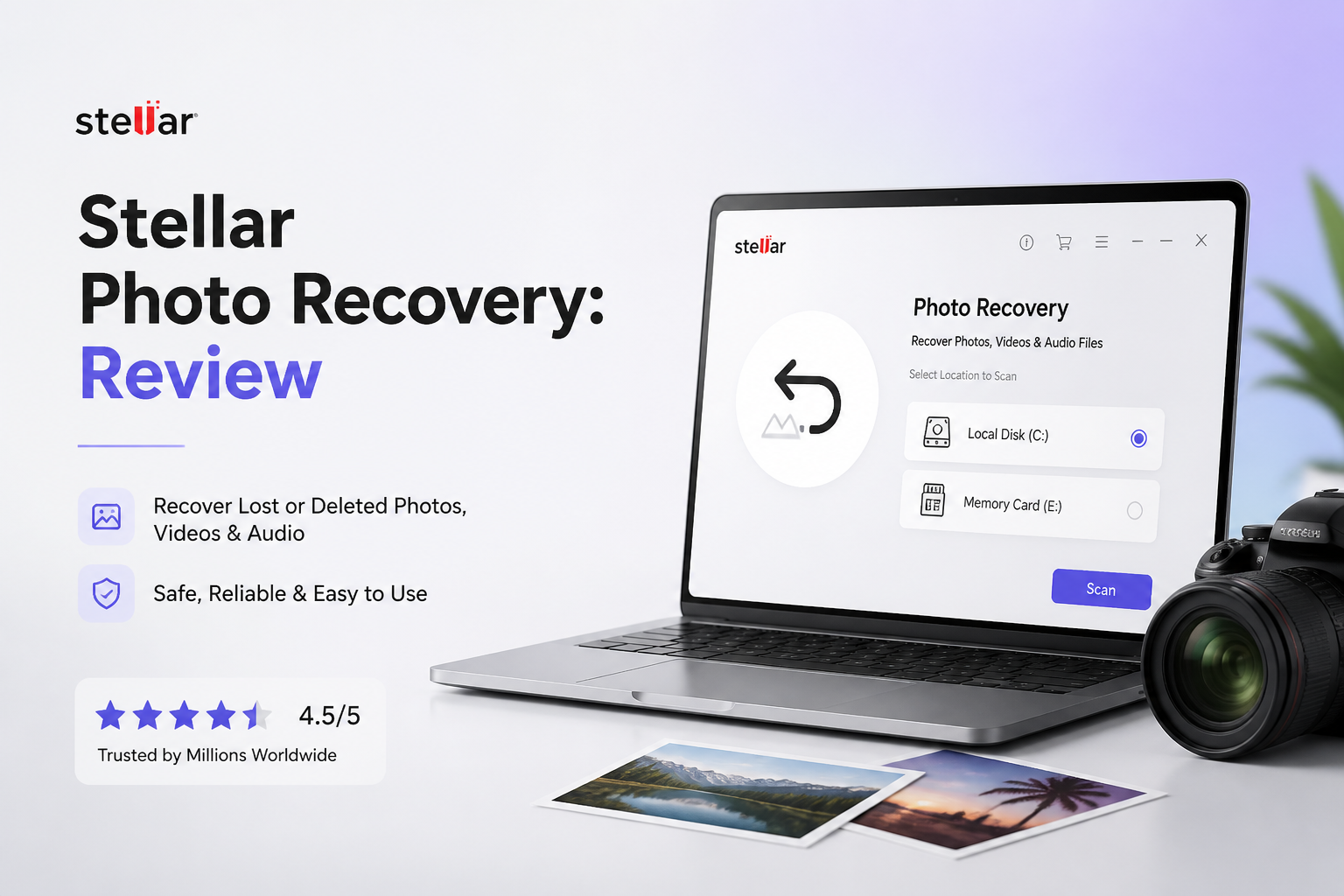
Stellar Photo Recovery at a Glance
4.8/10Stellar Photo Recovery is a Windows plus macOS utility for restoring deleted photos, videos, or audio from memory cards plus other storage. Higher tiers add repair tools for damaged media.
Best forPhotographers who need to scan a healthy memory card for recently deleted images
- Photo, video, plus audio recovery
- Camera RAW file support
- SD, CF, USB, SSD, plus HDD scanning
- Saved scans plus file previews
- Photo plus video repair on Premium
- Simple starting screen
- Wide media-format coverage
- Useful photo previews
- Slow deep scans
- Weak filename retention
- Annual licensing
How We Tested Stellar Photo Recovery on SSDs Plus Memory Cards
We tested Stellar Photo Recovery on a Windows 11 desktop with a 500 GB SATA SSD, a 128 GB SDXC card, plus stored disk images. The sample included JPEG, HEIC, CR3, NEF, MP4, MOV, WAV, PDF, plus ZIP files. Scenarios covered ordinary deletion, quick formatting, file-system damage, plus a card containing fragmented camera video.
Each device was cloned before scanning. Scores considered detection, playable or viewable output, retained names, scan time, preview quality, license limits, plus the amount of manual sorting required. Disk Drill ran against copies of the same images on the same hardware.
When Stellar Photo Recovery Is the Wrong Choice
Avoid this tool if the storage clicks, disconnects, disappears from Disk Management, or reports the wrong capacity. Those symptoms can point to physical failure, where repeated software scans may make matters worse. Power the device down, then contact a recovery lab if the files cannot be replaced.
Stellar is also a weak fit for mixed business storage. Its photo-first design is less useful when the lost set contains project folders, documents, databases, archives, plus media that must keep its original structure.
How Stellar Photo Recovery Scored Across Our Recovery Tests
| Category | Performance | Score |
|---|---|---|
| 01 Photo Recovery Results | 5.8/10 | |
| 02 Scan Speed | 3.9/10 | |
| 03 Camera Format Support | 7.2/10 | |
| 04 Recovered File Usability | 4.3/10 | |
| 05 Cost and Licensing | 3.1/10 |
Stellar Photo Recovery Performance by Category
01 Photo Recovery Results
Adequate for ordinary deletion, less convincing after damage
5.8/10
Photo Recovery Results
Adequate for ordinary deletion, less convincing after damage
Stellar performed reasonably on a recently deleted batch of JPEG, PNG, plus several camera RAW files. Our strongest result came from a healthy SD card where files had been deleted without new photos being written afterward.
Results fell off once the test involved formatting, file-system damage, or fragmented camera video. The tool located entries that looked promising, but several recovered clips would not play. Finding a filename is not the same as restoring a usable file.
- Good detection of recently deleted JPEG files
- Preview works for many intact photos
- Supports scanning disk images
- Can save scan information for a later session
- Several detected videos were unusable after recovery
- Results weakened on damaged media
- Successful previews varied across RAW formats
02 Scan Speed
Long waits become a problem on larger storage
3.9/10
Scan Speed
Long waits become a problem on larger storage
The quick scan completed without much fuss, though it was useful mainly for simple deletion. Our 500 GB deep scan took 96 minutes, noticeably longer than Disk Drill on the same computer plus drive image.
Stellar can save scan results, which helps if you need to step away. Still, slow scanning becomes difficult to excuse when the final folder contains duplicate entries, generic names, or files that fail to open.
- Quick scan is easy to start
- Scan results can be saved
- Progress display gives a basic time estimate
- Deep scan was slow in our 500 GB test
- Estimated completion time moved around
- Large result sets were sluggish to browse
03 Camera Format Support
The broad format list is Stellar's best argument
7.2/10
Camera Format Support
The broad format list is Stellar's best argument
This is the part Stellar gets mostly right. It recognizes common photo formats, numerous camera RAW types, audio files, plus standard video containers. SD, microSD, CF cards, USB storage, hard drives, plus SSDs can all be selected from a straightforward opening screen.
The Premium tier also includes separate photo plus video repair functions. Those extras sound useful, but placing repair behind the highest consumer tier makes the lower plans feel incomplete, especially when recovered media is already damaged.
- Broad camera RAW format coverage
- Works with common memory-card types
- Supports photos, video, plus audio
- Premium includes media-repair tools
- Repair features require the Premium plan
- Format recognition does not guarantee playable recovery
- Specialized scope offers little help with documents
04 Recovered File Usability
Too much manual sorting after the scan
4.3/10
Recovered File Usability
Too much manual sorting after the scan
Stellar's result browser has file-type filters, search, plus multiple viewing modes. That sounds fine until a signature-based recovery produces hundreds of generically named files. Original folders plus filenames were not consistently retained in our damaged-volume tests.
Photo previews helped remove obvious junk, though video verification was less dependable. Disk Drill gave us a cleaner path from scan to preview, with more useful grouping plus clearer recovery-chance indicators.
- Photo thumbnails speed up visual checking
- Results can be filtered by media type
- Selected files can be recovered to another drive
- Original filenames were often missing
- Duplicate-looking results required manual review
- A listed file may still be corrupt
05 Cost and Licensing
Annual access with key features split across tiers
3.1/10
Cost and Licensing
Annual access with key features split across tiers
At the time checked, Stellar listed Standard at $49.99, Professional at $59.99, plus Premium at $69.99. These were promotional one-year prices. Standard covers basic media recovery, while repair functions require Premium.
The trial is suitable for seeing what the scan detects, but its recovery allowance is too small for a normal photo-card disaster. Disk Drill costs more upfront for its $149 lifetime license, yet that payment covers both Windows plus macOS with future upgrades included.
- Several consumer tiers are available
- Trial lets you inspect scan results
- Entry price is lower than Disk Drill's lifetime option
- Consumer licenses are annual
- Photo plus video repair sit behind Premium
- Tier differences are easy to miss during a stressful recovery
Stellar Photo Recovery vs Disk Drill — Head to Head
Identical hardware, identical test scenarios. Here is how they compared.
| Metric | Stellar Photo Recovery | Disk Drill |
|---|---|---|
| SSD recovery rate | 54% | 76% |
| SD card recovery | 63% | 86% |
| Quick scan time (500 GB) | 9 min | 6 min |
| Deep scan time (500 GB) | 96 min | 71 min |
| Free recovery limit | 10 files | 100 MB on Windows |
| License model | Subscription | One-time $149 |
| Email support response | ~19 hours | ~6 hours |
| Overall score | 4.8 / 10 | 8.4 / 10 |
What to Use Instead
Choose Disk Drill if you want stronger SD-card results, broader file recovery, disk imaging, plus a lifetime payment option.
01 Disk Drill
A broader, easier recovery tool for photos plus other files
8.4/10
Disk Drill
A broader, easier recovery tool for photos plus other files
Disk Drill produced more usable files in our SSD plus SD-card scenarios, while its previews made it easier to judge whether paying was sensible. It handles photos, videos, documents, archives, lost partitions, plus damaged file systems from one interface.
The byte-to-byte backup feature is a practical advantage for unstable cards or drives. You can image the storage first, then scan the copy instead of repeatedly stressing the original device. Disk Drill Basic also recovers up to 100 MB free on Windows.
- Higher recovery rate in our SD-card test
- Clear previews plus recovery-chance labels
- Byte-to-byte backup is included
- One license covers Windows plus macOS
- Lifetime option includes future upgrades
- The $149 lifetime price is a sizable upfront payment
- Mac Basic mainly offers scanning plus previews
- Activated purchases generally have a strict refund policy

What Stellar Photo Recovery Users Report
A customer said the software found deleted videos, but every recovered clip was unplayable. Stellar replied that overwritten or structurally damaged files may need further review or repair.
One reviewer reported that a deep scan ran for roughly 20 hours before the application crashed. Stellar asked for purchase details so its team could investigate the failure plus any refund request.
A buyer received a Mac license after intending to purchase the Windows edition, then contacted support for help. The account shows that purchase details can require careful checking.
Many product-specific reviewers praise Stellar's support, ease of use, plus successful recovery in straightforward cases, giving the product a strongly positive overall rating.
Should You Buy Stellar Photo Recovery?
Stellar Photo Recovery is hard to recommend unless your main need is scanning a healthy camera card for recently deleted photos. Its slow deep scan, inconsistent filename retention, uneven video results, plus annual licensing make the recovery process more frustrating than it should be.
Photographers with a simple deletion case can test the trial, but anyone dealing with a formatted card, RAW volume, mixed file types, or unstable media should start with Disk Drill. It delivered more usable results in our scenarios plus gives you a safer byte-to-byte imaging workflow.
Stop using the affected card immediately, create a byte-to-byte image on another drive, then scan that image before paying for any recovery license.