Disk Drill Review: Is It Safe, Legit, and Worth Installing?
Disk Drill is legitimate, safe when downloaded from CleverFiles, plus unusually easy to navigate. Its free edition is mostly a trial, though, so inspect several file previews before paying.
Disk Drill is a legitimate recovery app from CleverFiles, not malware or a fake scanner. It is worth installing when a deleted file, formatted card, or readable damaged drive appears in the app, but a successful scan never guarantees that every recovered file will open.
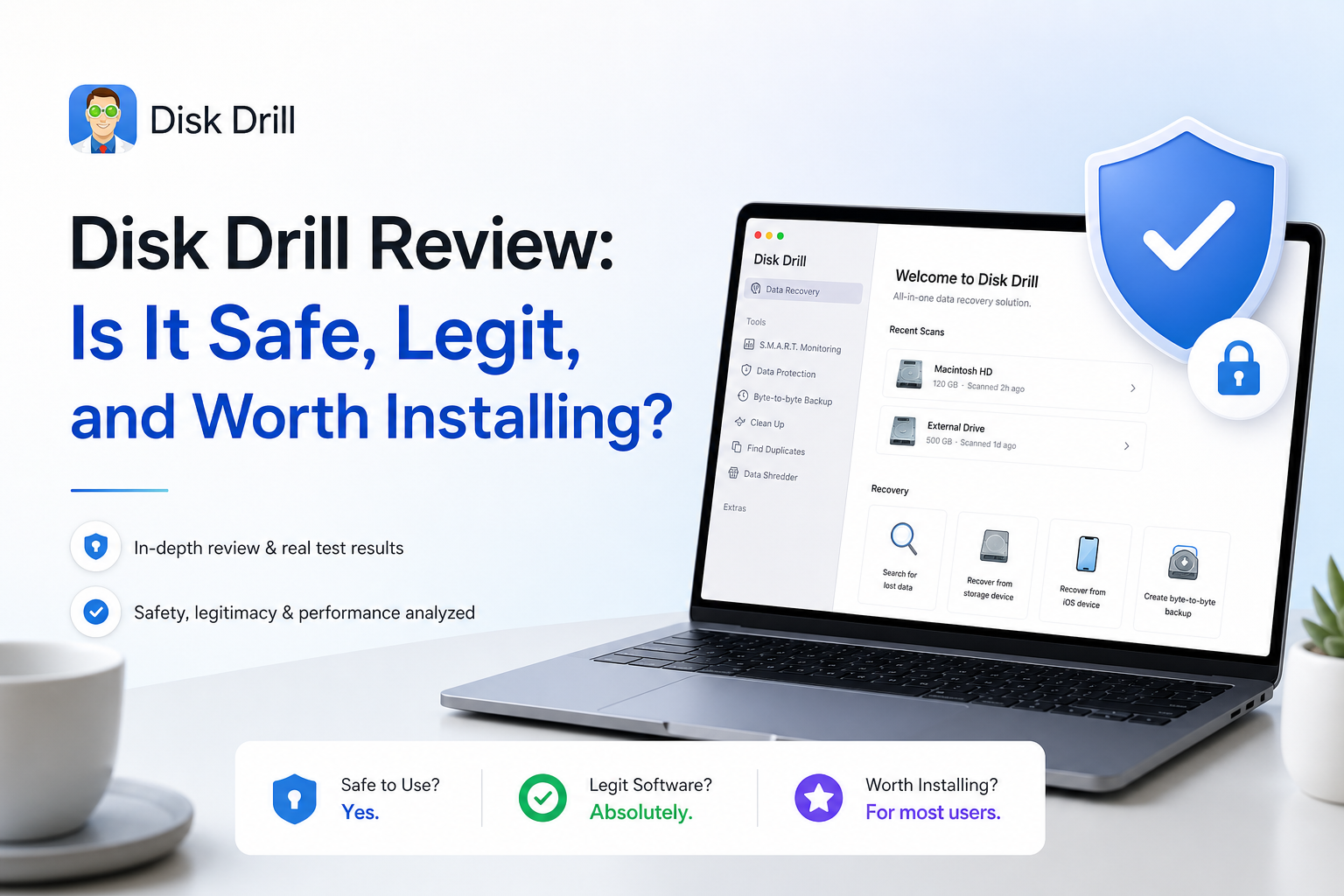
Disk Drill at a Glance
8.7/10Disk Drill is a Windows plus macOS application that scans storage for deleted, formatted, or otherwise inaccessible files. It also creates disk images for safer recovery work.
Best forHome users recovering files from readable SD cards, USB drives, external disks, or recently deleted folders
- Deleted-file plus formatted-drive scans
- Photo, video, document, plus archive previews
- Byte-to-byte disk images
- Advanced Camera Recovery
- Lost-partition search plus session saving
- Simple scan-to-recovery flow
- Useful previews plus filters
- Disk imaging included
- Very small Windows free allowance
- Mac recovery usually requires PRO
- No recovery result is guaranteed
How We Evaluated Disk Drill Safety, Recovery, plus Pricing
We reviewed the current Disk Drill 6 workflow on Windows plus macOS, checked its official license documentation, compared Basic with both PRO purchase options, plus followed the scan-to-preview path used before payment. We also checked how the app handles disk images, result filtering, saved sessions, plus separate recovery destinations.
User feedback was cross-checked across Reddit, Trustpilot, plus the Mac App Store. No destructive test was performed on a physically failing drive. Scores therefore weigh workflow, documented capability, preview safeguards, licensing clarity, plus consistent user reports rather than claiming a universal recovery percentage.
When Disk Drill Is the Wrong First Move
Do not start with a deep scan if a hard drive clicks, vanishes during use, spins down unexpectedly, or transfers data at an erratic pace. Repeated scanning can stress failing hardware. Disconnect it, avoid repair utilities such as CHKDSK, then contact a professional lab if the files are irreplaceable.
Disk Drill is also a poor bet for files deleted from a TRIM-enabled SSD after the operating system has cleared those blocks. A free scan may still find old names or metadata, but intact previews matter far more than the number of results.
Disk Drill Review Scores for Safety, Recovery, plus Value
| Category | Performance | Score |
|---|---|---|
| 01 Recovery Results | 8.8/10 | |
| 02 Installation Safety | 9.3/10 | |
| 03 Recovery Workflow | 9.1/10 | |
| 04 Scan Toolkit | 8.7/10 | |
| 05 Plans & Free Tier | 7.4/10 |
Disk Drill Recovery Features, Safety, plus Pricing in Detail
01 Recovery Results
Strong detection with unavoidable limits
8.8/10
Recovery Results
Strong detection with unavoidable limits
Disk Drill covers the situations home users usually face: deleted folders, reformatted memory cards, lost partitions, RAW volumes, plus drives that still appear in Windows Disk Management or macOS Disk Utility. It can scan common file systems or fall back to file signatures when the original directory information is gone.
The preview is more meaningful than a green recovery-chance label. Open several photos at full size, play videos beyond the opening seconds, plus inspect documents before buying. A detected filename is not proof that its underlying data survived. SSD recovery can also fail after TRIM clears deleted blocks.
- Handles deleted, formatted, RAW, plus lost-partition cases
- Preview helps verify files before payment
- Filters narrow large result sets by type, date, or size
- Can preserve original names plus folders when metadata survives
- Detected files may still be corrupt or incomplete
- Signature recovery can produce generic names plus messy folders
- TRIM sharply limits recovery from many SSDs

02 Installation Safety
Legitimate software with a careful scan design
9.3/10
Installation Safety
Legitimate software with a careful scan design
Disk Drill is published by CleverFiles, has signed installers for Windows plus macOS, receives current version updates, plus has been available for years. Nothing about the official installer suggests that Disk Drill is a scam app or disguised malware.
Its recovery scans are designed to read the source rather than alter it. The bigger safety issue is user behavior. Never install Disk Drill on the drive holding the missing files, never save recovered data back to that source, plus stop immediately if a drive clicks, disconnects, or reports rapidly increasing bad sectors.
- Official installers are signed by an established developer
- Scanning is intended to be non-destructive
- Byte-to-byte imaging reduces repeat work on questionable media
- Clear source-drive plus destination-drive selection
- Installing on the affected drive can overwrite deleted data
- Software is not appropriate for mechanically failing hardware
- Full disk access may be required on macOS
03 Recovery Workflow
Approachable even during a stressful recovery
9.1/10
Recovery Workflow
Approachable even during a stressful recovery
The main path is hard to misunderstand: choose a device, start the lost-data search, review the results, select files, then choose a separate recovery destination. Live result counts make long scans feel less opaque, while saved sessions let you return without starting from zero.
Preview, search, file-type filters, plus recovery-chance indicators are useful when a scan returns thousands of items. The interface cannot explain every edge case, though. Someone facing a failing hard drive may still scan the physical disk repeatedly instead of creating an image first.
- Clean device list plus prominent scan control
- Results can be reviewed before a scan finishes
- Search plus file filters tame large recoveries
- Saved sessions avoid unnecessary rescans
- Recovery-chance labels can inspire too much confidence
- Advanced cases still require some recovery knowledge
04 Scan Toolkit
More than a basic undelete utility
8.7/10
Scan Toolkit
More than a basic undelete utility
Disk Drill combines file-system scans, signature searches, lost-partition discovery, byte-to-byte backups, S.M.A.R.T. information, plus recovery-session management. Its Advanced Camera Recovery mode is particularly relevant for video recorded in fragments across an SD card.
The bundled tools are useful, though they should not distract from the safest order of work. If a card or drive behaves unpredictably, make a sector-level image first, disconnect the original, then scan the image. Cleanup tools should wait until the recovery is finished.
- Byte-to-byte disk image creation is built in
- Advanced Camera Recovery targets fragmented video
- Supports common disks, flash media, plus disk images
- Recovery sessions can move between Mac plus Windows
- Several utility modules add visual clutter
- RAID or severe corruption may need specialist software
- S.M.A.R.T. status cannot rule out sudden failure
05 Plans & Free Tier
Transparent prices with a restrictive trial
7.4/10
Plans & Free Tier
Transparent prices with a restrictive trial
Disk Drill Basic costs $0. Windows users may recover up to 100 MB, while Mac users mainly get unrestricted scanning plus preview unless files were protected by Disk Drill beforehand. That is enough to judge ordinary photos or documents, but not enough for a normal camera-card recovery.
Disk Drill PRO costs $89 per year or $149 for a lifetime license. One personal license supports Windows plus macOS with up to three activations. Purchases are generally final, so the lifetime option only makes sense after intact previews confirm that the files you care about are actually readable.
- Free scanning plus unlimited preview
- One PRO license covers Mac plus Windows
- Lifetime option avoids annual renewal
- Up to three personal-device activations
- Mac Basic offers little unprotected file recovery
- Windows 100 MB limit disappears quickly
- A scan result does not guarantee a refund
What Disk Drill Users Report After Real Recoveries
The poster says Disk Drill recovered family photos plus fragmented camera videos from an SD card that Windows displayed as RAW. They liked the previews, clean interface, plus Advanced Camera Recovery, though the paid upgrade was necessary.
This Mac user reported that Disk Drill could access an unmountable 5 TB SSD plus recover usable files. The recovery took several days, so the positive result still came with a long wait.
A Trustpilot reviewer paid after the scan marked video files as recoverable, then found that the restored videos would not open. Their main complaint concerned the gap between detection, usable recovery, plus the refund outcome.
A Reddit user says Disk Drill 6 recovered data from a SanDisk external hard drive to a separate LaCie drive. They specifically praised the interface plus quick email support.
Should You Install Disk Drill?
Disk Drill is safe, legitimate, plus worth installing for a free scan if the storage device remains stable enough to read. It suits people who want a guided recovery process without learning a forensic utility. Skip the purchase if previews are blank, videos will not play, the SSD was trimmed, or the drive shows signs of physical failure.
Preview several complete files before paying, then recover them to a different physical drive rather than the source.